Product updates
New in Rill: put yourself in the picture
Pick one change you made this week and show someone how it works. You can now add your face to a Rill screen recording, making a walkthrough feel a little more personal.
Your screen, with you in the picture
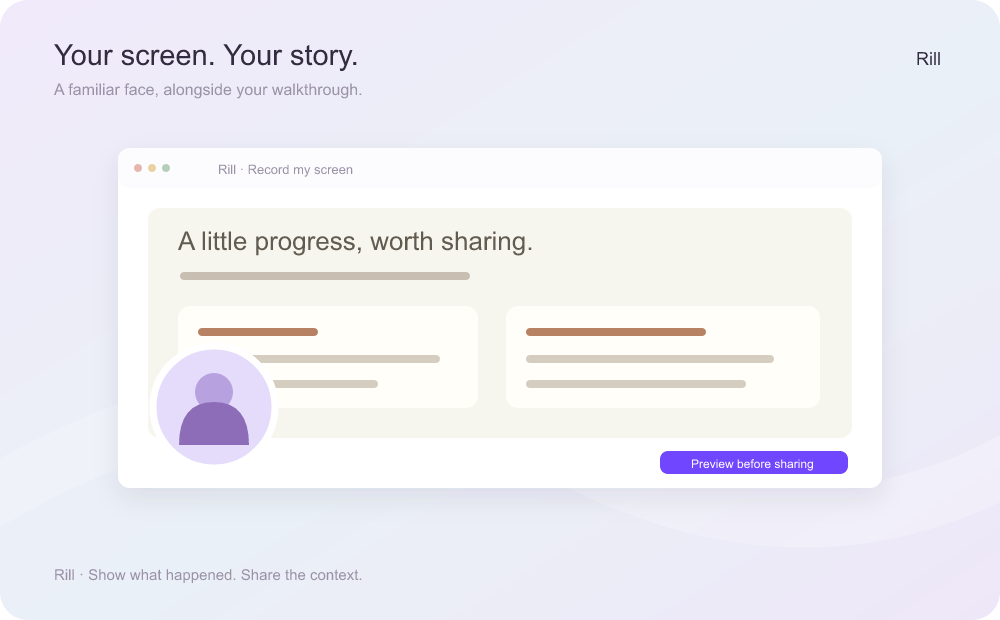
Show the change, explain the part that matters, and let your teammate see you alongside it. Rill’s screen recorder now supports a camera circle, with optional narration.
Try it with something small: a new page, a bug you’ve reproduced, or a flow you want feedback on. A short walkthrough gives someone a place to start the conversation.
Keep the controls nearby
In Chrome and Edge, you can pop out the recorder to keep its controls close while you move through your walkthrough.
Shared recordings feel more at home
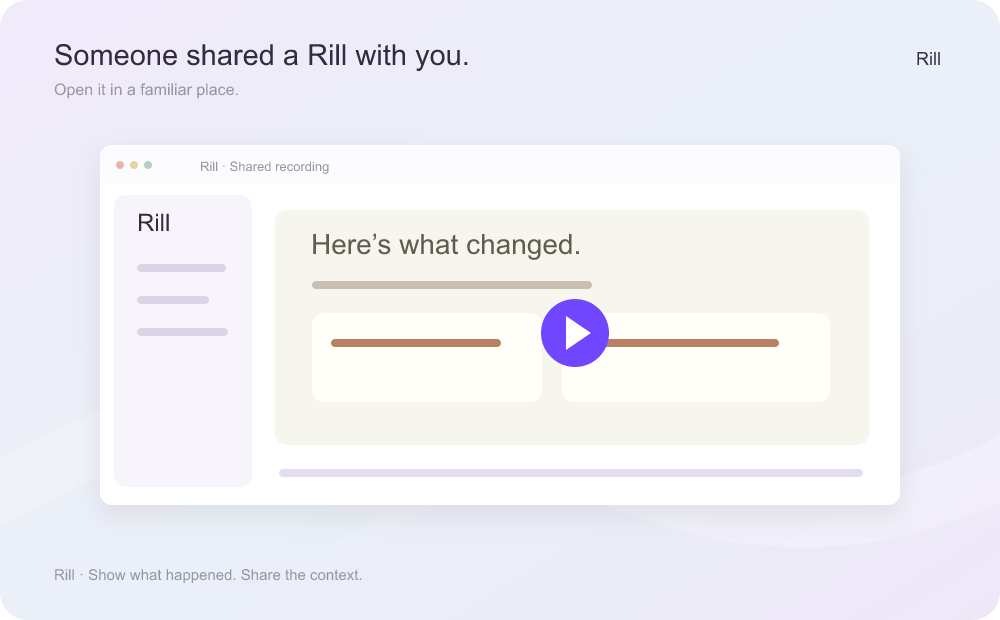
When you’re signed in, a teammate’s recording now opens inside your Rill workspace, alongside the familiar tools you use to review your own work.
The next time someone sends you a Rill, open it while signed in and take a look.
One more thing: record your local app
Today, you can already use Rill’s CLI with a browser-capable coding agent to record an app on localhost. Watch and share the replay when the recording is ready.
It’s a useful way to show a change before your app is public: your agent runs the browser flow, and Rill records what happened.
A peek at what’s next
We're now testing a new way to record a tab in your own Chrome browser and bring the video into ChatGPT.
For now, pick one change worth showing and make a walkthrough.