Product updates
New in Rill: see what your agent checked and try your site on mobile
We’re making Rill more useful for the work you need to check and share. See what your agent tried and what it found, test your website in a phone layout, and take the next step without starting from scratch.
See what your agent actually checked
What did your agent try? Checks bring those details into the replay. See what the agent is trying as the video plays, then jump to the moment it reports what it saw.
How does your website feel on a phone?
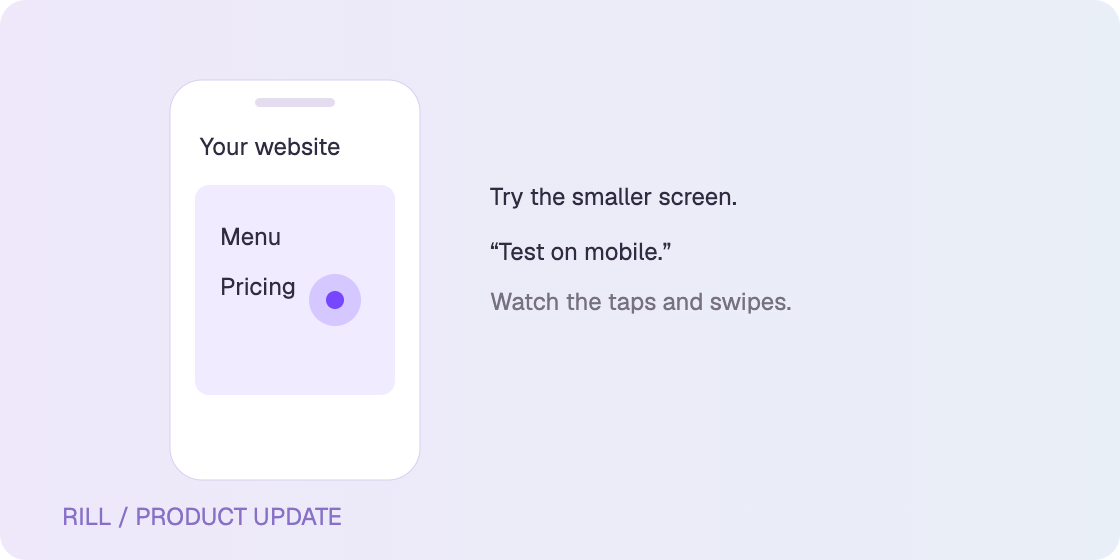
A menu that works on desktop can feel very different on a smaller screen. Ask Rill to “test on mobile” and watch it check your site in a phone-sized browser, with taps and swipes.
Try: “Test on mobile. Open the menu and find the pricing page.”
Take Pebble’s notes with you
Found something worth fixing? Copy a Pebble finding from Discussion and paste it into ChatGPT, your coding agent or an issue. The note brings the details and a link back to the recording with it.
A useful next step, right there
Finished a browser run and wondering what to check next? Rill now suggests follow-up tasks for your web app, based on what happened in the recording.
Our Black Friday deal ends next week
Get Rill Pro for $2/month for your first two months with our November offer.
What are you checking with Rill this week? Tell us what’s working and what you’d like us to make better. We read every message.
With love from the Rill Team 💜